Intent Check
Open a chosen app and Bounce asks one question first. Tap an answer and it opens. Stay a while and it asks again.
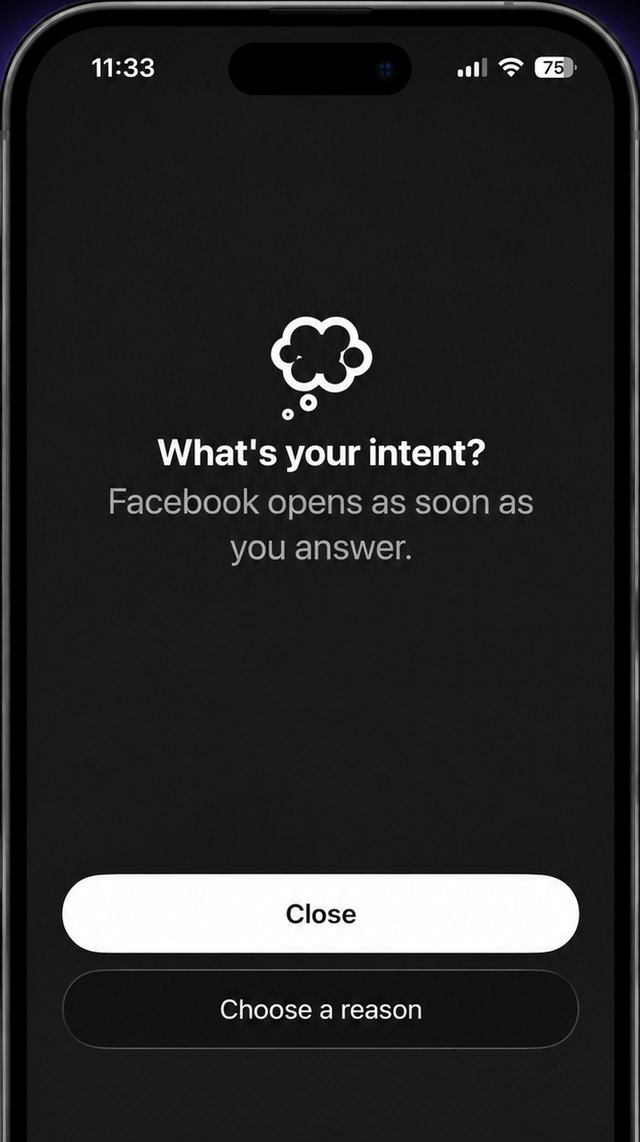
Bounce blocks the apps that pull you in, asks what you came for, and gets you back to your life.
Download on the App Store
Open a chosen app and Bounce asks one question first. Tap an answer and it opens. Stay a while and it asks again.
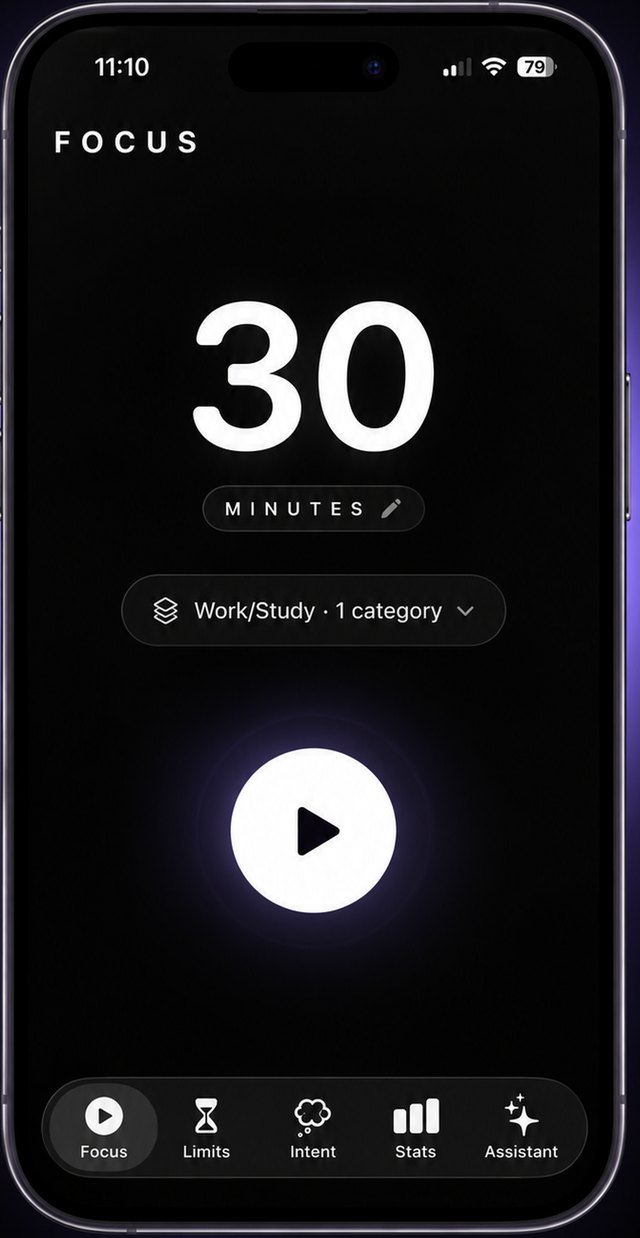
Pick a length, press play, and the apps you chose stay blocked until the timer ends.
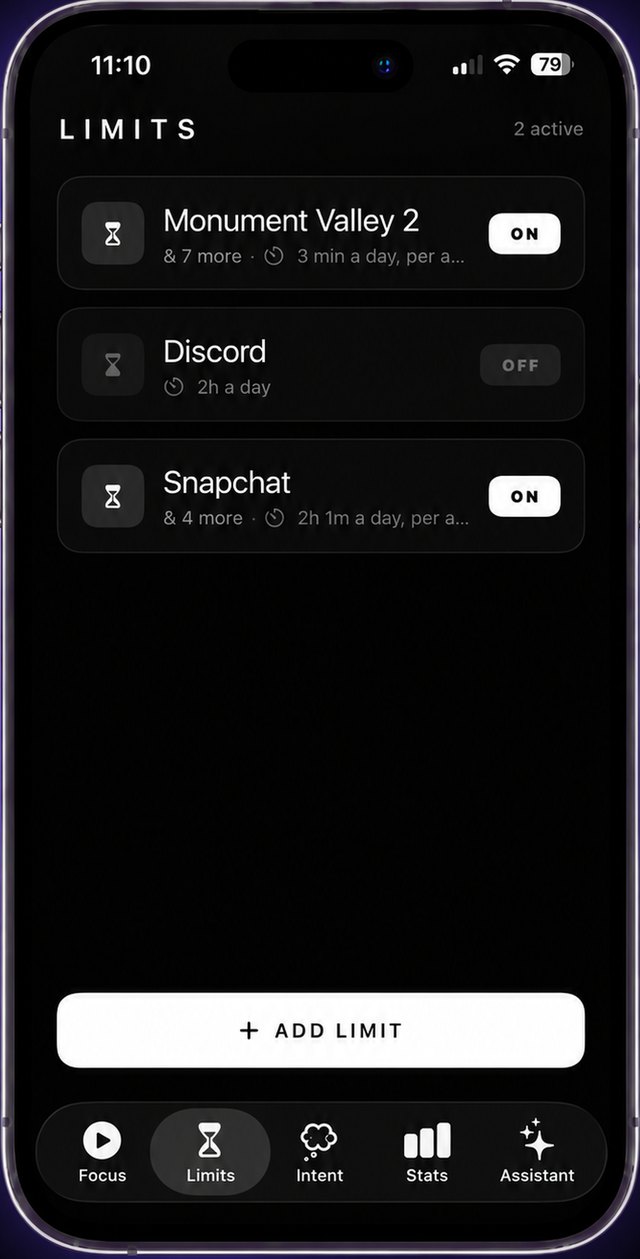
Give an app twenty minutes a day, or block it during set hours. When it’s gone, it’s gone until tomorrow.
Dump everything on your mind and get back three priorities, a schedule, and the first thing to do. Caught yourself scrolling? A 30-second check-in gets you moving again.

Inside a session, add a scene for the screen and a three-hour soundtrack: rain on a window, a fireplace, deep focus, ocean. Set the phone beside your laptop and work.
New subscribers start with a 7-day free trial. Cancel anytime in Settings.
Which apps you block stays on your phone; Apple’s Screen Time framework never shares it with us. No ads, no tracking, no selling your data.
Download on the App Store